
Spawner templates
Most game entities, such as crates, enemies and platforms, are created by spawners. A spawner is an object with a Spawner_Template component that references a template: the object that is actually spawned and contains all of the entity’s advanced properties.
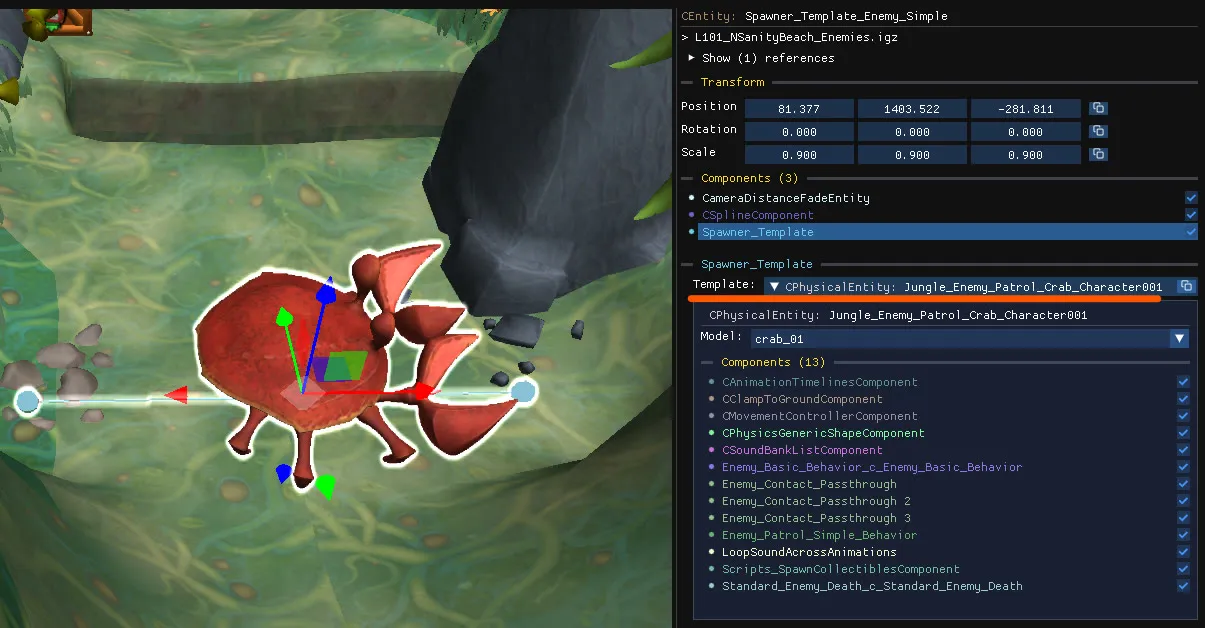
Spawner and template
Section titled “Spawner and template”- The spawner usually has very few components of its own, such as a spline or a trigger volume. Its job is to set the position and rotation at which the template is spawned.
- The template is displayed inside the
Spawner_Templatecomponent (which is selected and expanded by default). You can change its model and edit any of its components.
Templates are listed under Templates in the object tree and hidden in the scene by default, because their own position is usually meaningless. For a few specific enemies the template position does matter; enable the Templates camera layer to see and move them. Most templates have a position of (0,0,0), those will stay hidden to preserve the frame rate.
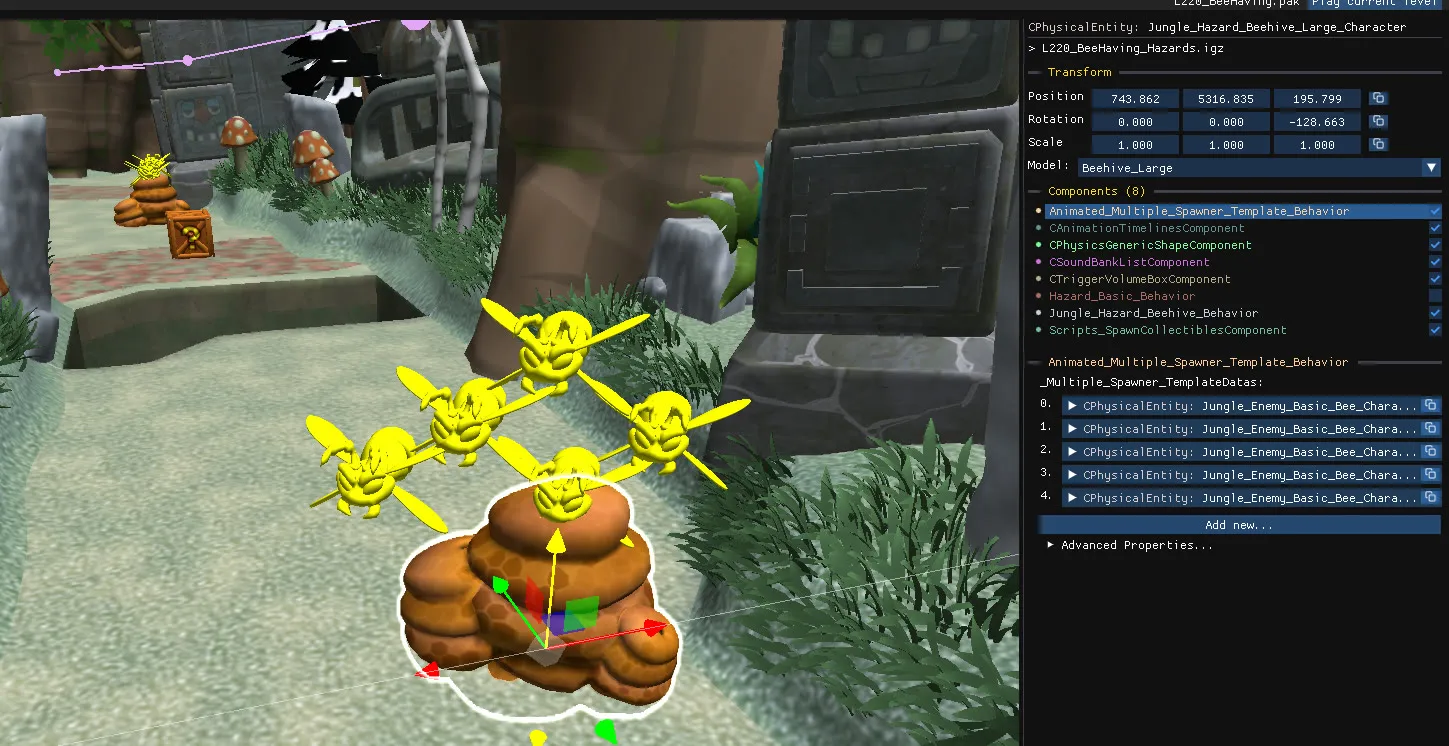
Templates with several spawners
Section titled “Templates with several spawners”A template can be referenced by several spawners. When you edit it from one of its spawners, through the Spawner_Template component, the editor first makes a copy of the template, so that the other spawners are not affected. Editing the template object directly will be reflected across every spawner that uses it.
Copy, paste and move
Section titled “Copy, paste and move”Pasting a spawner brings its hidden template along and gives the copy its own template. Moving a spawner also moves the template (unless it’s located at the origin).
Why an enemy does not appear in the game
Section titled “Why an enemy does not appear in the game”Spawners are typically activated by a script trigger. If the trigger is missing or misplaced, the template is never spawned even though the spawner is visible in the editor.