
Prefab instances
Prefabs are a special kind of object: each prefab instance references a group of child objects, and that group is shared by every instance of the same prefab. You can move instances independently, but editing one of the child objects changes it in every instance at the same time. They are listed under Prefabs in the object tree.
Edit a prefab instance
Section titled “Edit a prefab instance”Click any child object once: the parent prefab instance is selected. You can now treat the whole group like a regular object, move it, copy and paste it, or delete it, without affecting the other instances.
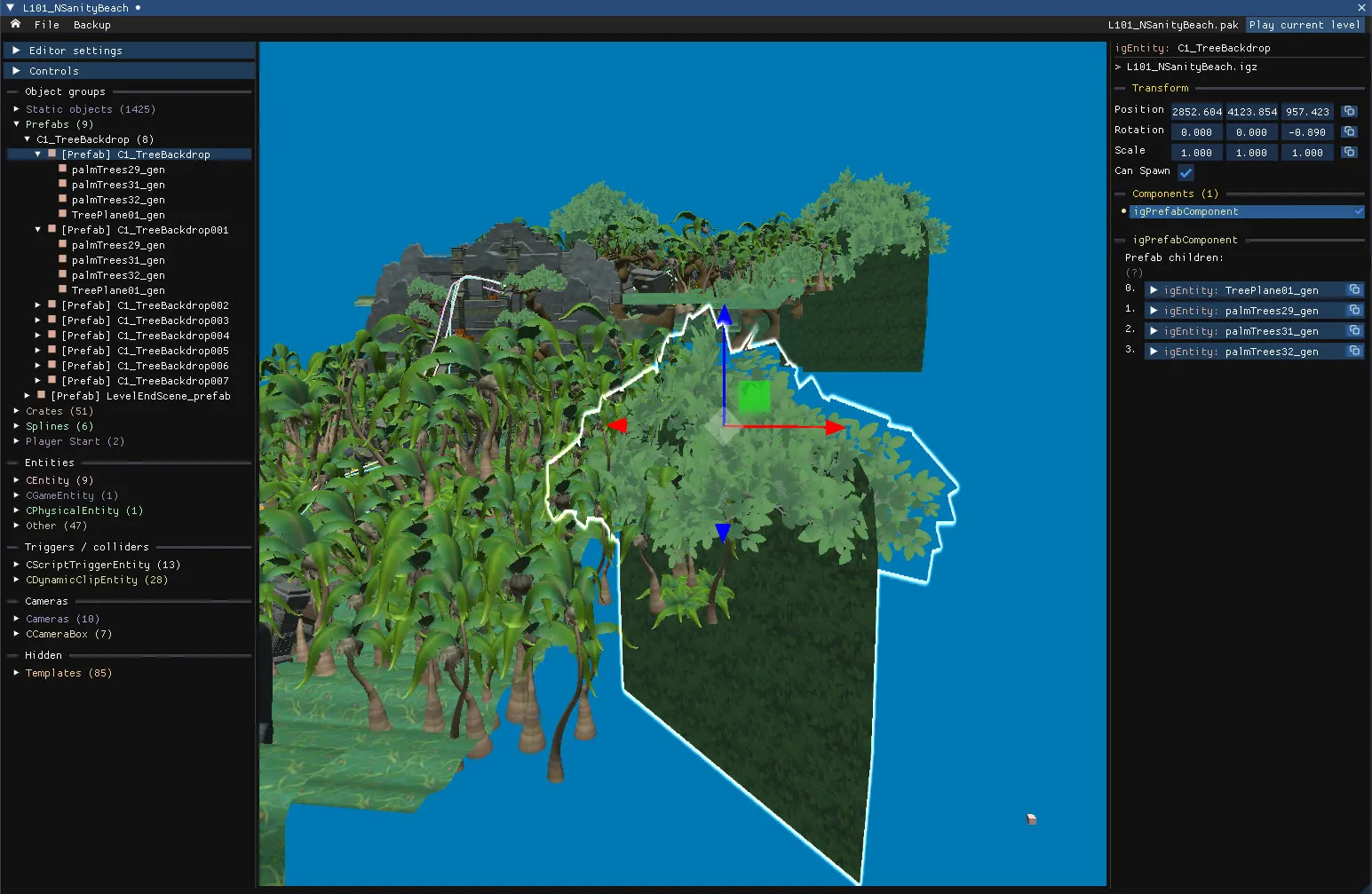
Edit a prefab child
Section titled “Edit a prefab child”Click the same child object a second time: every occurrence of that object in the other instances lights up. You now control the child object inside the prefab. You can still move, copy, paste and delete it, but the change applies to every instance.
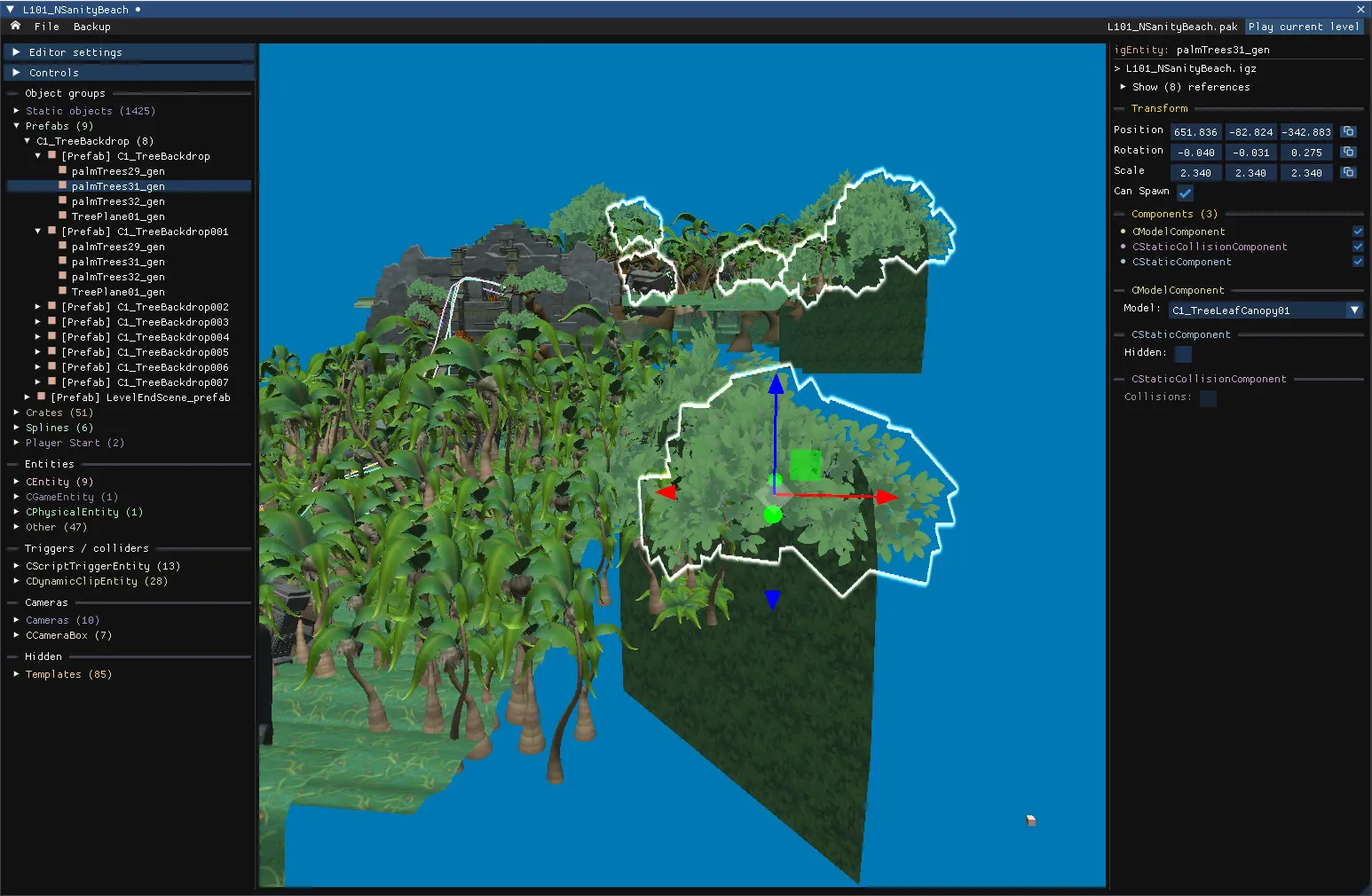
Good to know
Section titled “Good to know”- Clicking a prefab selects the entire prefab, unless it has too many children, as bonus rounds do.
- Use
Editor settings → Debug mode → Prefabsto highlight every prefab instance and every entity that belongs to a prefab.