
Archive Editor overview
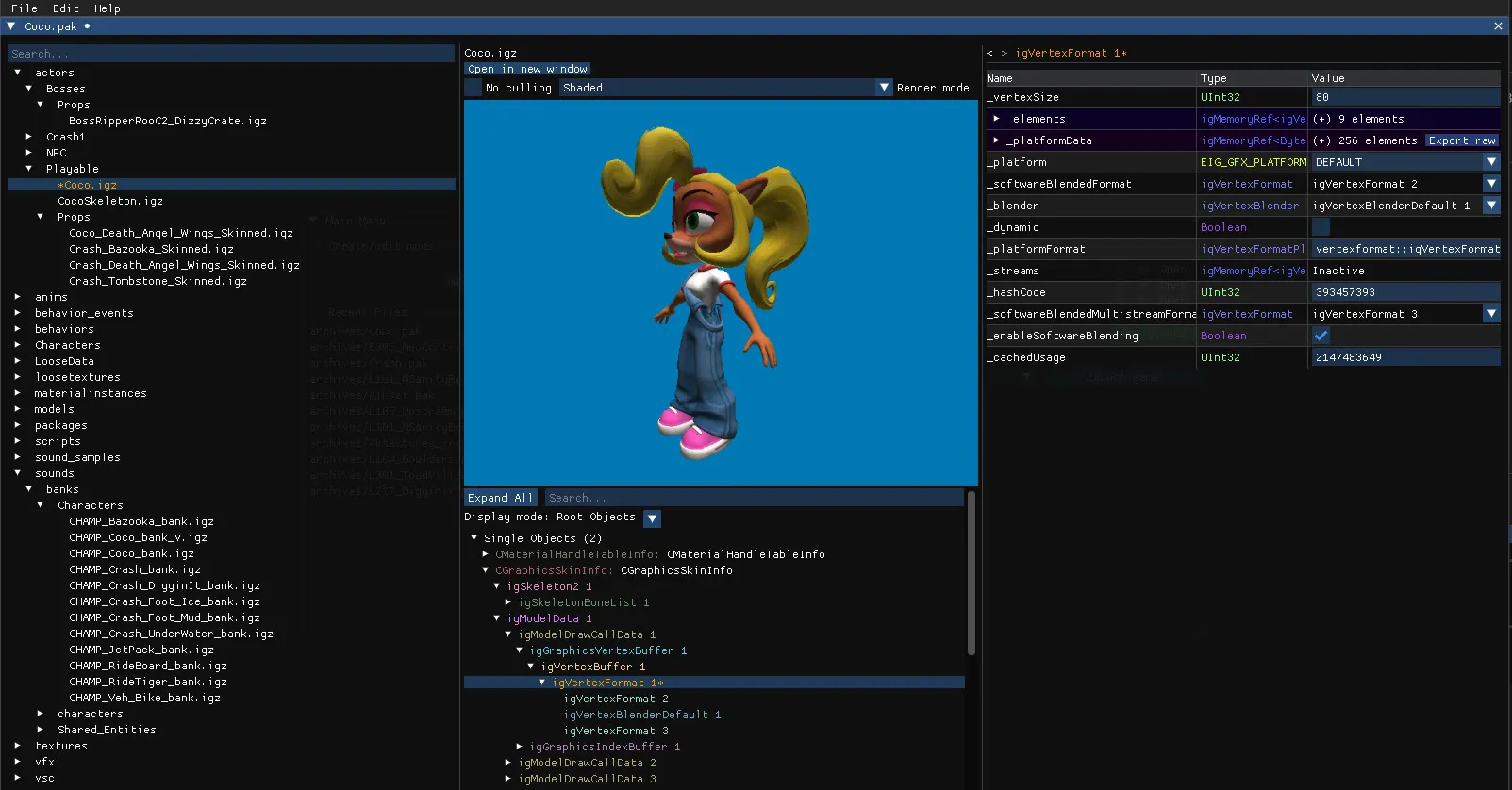
The Archive Editor opens any .pak archive such as original game files, mods and custom levels, and lets you view and edit the files inside. It’s the place to go when you need to see or change something the level editor does not expose.
What you can do
Section titled “What you can do”- Browse, rename, duplicate, extract and delete the files of an archive, or add new ones. See Archive manager.
- Open the
.igzand Havok.hkxfiles and edit every object and every field they contain. See IGZ and Havok editor. - Preview models in 3D, materials, textures and audio, extract or replace them, and export models to glTF. See Previews.
- Create a mod from an empty archive with New Mod… in the main menu.
- Script all of this in C# with the Alchemy namespace. See Alchemy API.
How to open it
Section titled “How to open it”- Open Archive in the main menu, or New Mod… for an empty archive.
- From the level editor, click the file name under an object’s name in the properties panel, or the Open model file button. Objects the level editor cannot display are focused in the archive editor when you click them.
Safety
Section titled “Safety”The editor never overwrites an original game file without asking for confirmation. Use Save as… to keep the original untouched, or create a Backup to prevent this message from appearing. Archives are not fully loaded into memory when opened; file data is read only when needed, which keeps large archives usable.
Supported games
Section titled “Supported games”Archives from Crash Bandicoot N. Sane Trilogy (PC) and from Crash Team Racing Nitro-Fueled (PS4) are supported.